
Step 1: Enable the Console
- Open CS2 and click the Settings gear.
- Go to the Game tab.
- In the Game section, set Enable Developer Console to Yes.
The setting controls the con_enable console variable, which is off (0) by default. You only need to do this once.
Step 2: Press the Console Key
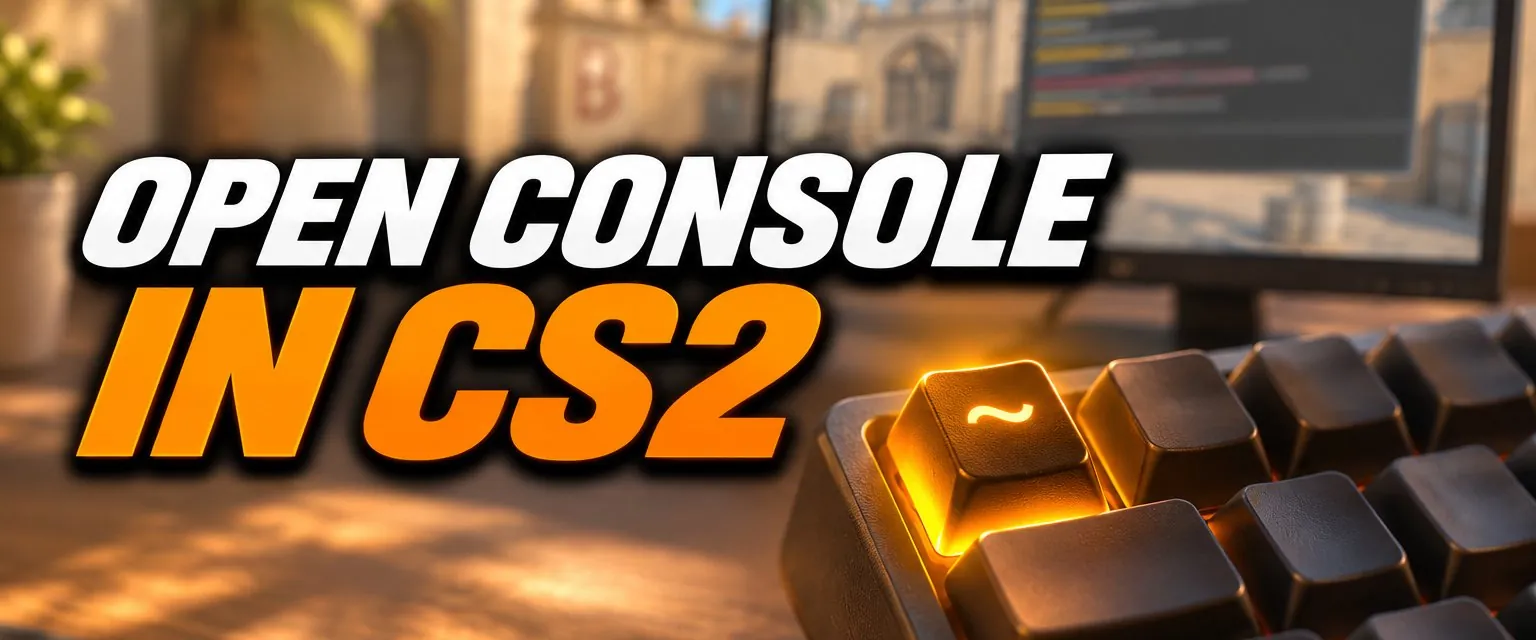
Press `, the key above Tab and left of 1 on a US keyboard (it also carries ~). CS2's default key config binds that key to toggleconsole, so the same key opens and closes it. Press it again to close it.
Alternative: the -console Launch Option
You can also start the game with the console enabled:
- In your Steam Library, right-click Counter-Strike 2 and pick Properties.
- Under General, add
-consoleto Launch Options.
CS2's own tooltip for the setting says that launch options such as -dev or -console override it. Our CS2 launch options guide lists the other useful ones.
How to Rebind the Console Key
Go to Settings > Keyboard / Mouse, find Toggle Console under UI Keys, click it and press the key you want. You can also do it from the console itself:
bind "F10" "toggleconsole"The one key you cannot use is the left mouse button. Valve blocked binding toggleconsole to mouse1 in September 2023. More on binds in our CS2 binds guide.
Console Not Opening? Fixes
| Problem | Fix |
|---|---|
| Nothing happens when you press the key | Check that Enable Developer Console is set to Yes, then try again. |
| Non-US keyboard: the key types another character or does nothing | Rebind Toggle Console in Settings > Keyboard / Mouse to a key you can reach, such as F10. |
| You bound something else to that key | Rebind Toggle Console in the Keyboard / Mouse settings. |
| You want it on every launch regardless of settings | Add the -console launch option. |
What to Type First
clear: clears the console output.condump: saves what the console currently shows to a numbered text file.cl_showfps 1: shows a frame-rate counter at the top of the screen.bind: binds a key to a command, as in the example above.
For the full list, see our CS2 console commands guide. To set up a server for practising grenades and movement, use our CS2 practice config.
Frequently Asked Questions
How do I open the console in CS2?
Go to Settings, open the Game tab and set Enable Developer Console to Yes. Then press the ` key (the key above Tab, left of 1 on a US keyboard) to open and close it.
Why is my CS2 console not opening?
Either Enable Developer Console is still set to No, or your keyboard layout puts a different character on that key. Check the setting, then rebind Toggle Console under Settings > Keyboard / Mouse to a key you can reach.
Is the ~ key the CS2 console key?
On a US layout, yes: ~ and ` share the key above Tab, and that key is bound to toggleconsole by default. On other layouts the key in that position may type something else, so rebinding is the reliable fix.
Can I open the console with a launch option?
Yes. Add -console to CS2's launch options in Steam. Valve's own setting tooltip says a launch option such as -console or -dev overrides the in-game Enable Developer Console setting.
Can I bind the console to a mouse button?
Not to the left mouse button: Valve disallowed binding toggleconsole to mouse1 in September 2023. Other keys and buttons work.