
Start a Private Game
Practice commands only work on a server you control. In CS2, open Play, choose the Practice tab, pick a map and start it. A Workshop map launched from the Workshop Maps tab works too. Then open the console: if you have not set it up yet, see how to open the console in CS2.
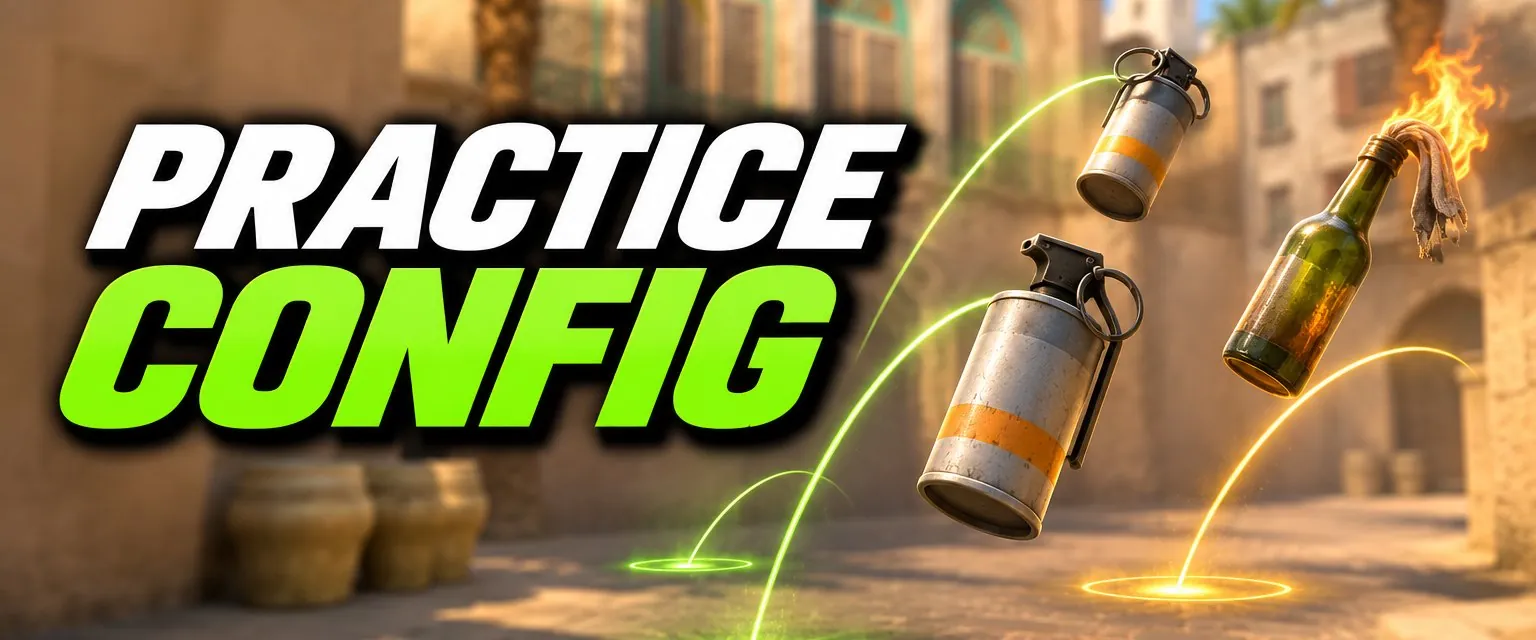
The Practice Config
Paste this into the console line by line, or save it as a file (next section) and run it in one go:
sv_cheats 1
bot_kick
bot_quota 0
mp_limitteams 0
mp_autoteambalance 0
mp_warmup_end
mp_freezetime 0
mp_roundtime 60
mp_roundtime_defuse 60
mp_buytime 9999
mp_buy_anywhere 1
mp_maxmoney 60000
mp_startmoney 60000
sv_infinite_ammo 1
ammo_grenade_limit_total 5
sv_grenade_trajectory_prac_pipreview 1
sv_grenade_trajectory_prac_trailtime 8
sv_showimpacts 1
mp_restartgame 1| Command | What it does |
|---|---|
sv_cheats 1 | Allows cheat-protected commands such as infinite ammo, noclip and rethrow |
bot_kick / bot_quota 0 | Removes all bots and stops new ones filling the server |
mp_limitteams 0 / mp_autoteambalance 0 | Lets you join either team freely |
mp_warmup_end | Ends warmup straight away |
mp_freezetime 0 | No freeze at round start |
mp_roundtime / mp_roundtime_defuse 60 | Rounds last 60 minutes, the maximum |
mp_buytime 9999 / mp_buy_anywhere 1 | Buy at any time, anywhere on the map |
mp_maxmoney / mp_startmoney | Enough money to buy anything, repeatedly |
sv_infinite_ammo 1 | Your active weapon never runs out of ammo (cheat) |
ammo_grenade_limit_total 5 | Carry more grenades at once (the competitive config uses 4) |
sv_grenade_trajectory_prac_pipreview 1 | Picture-in-picture preview of where a grenade will land |
sv_grenade_trajectory_prac_trailtime 8 | Keeps the grenade path visible for 8 seconds, the maximum |
sv_showimpacts 1 | Marks where your bullets hit: red for client, blue for server |
mp_restartgame 1 | Restarts in 1 second so the money settings apply |
Save It as a .cfg File
- In Steam, right-click Counter-Strike 2, choose Manage > Browse local files.
- Open
game\csgo\cfg. This is the folder that holds the game's own configs such asgamemode_competitive.cfg. - Create a text file named
practice.cfg(check it does not end in.cfg.txt) and paste the config in. - In game, type
exec practicein the console.
Grenade Practice Commands
| Command | Use |
|---|---|
sv_rethrow_last_grenade | Throws your last grenade again from the same spot (cheat) |
sv_grenade_trajectory_prac_pipreview 1 | Shows the landing preview |
sv_grenade_trajectory_prac_trailtime 8 | Draws the flight path after each throw |
noclip | Fly through walls to check where a smoke landed, then fly back (cheat) |
god | Makes you invulnerable, so your own molotovs and HEs cannot kill you (cheat) |
A handy bind for lineups is bind "n" "sv_rethrow_last_grenade" (noclip, god mode and more are in the binds generator). For the throws themselves, browse our map-by-map CS2 lineups and the callout maps.
Bot Commands: Add, Kick, Freeze
| Command | What it does |
|---|---|
bot_kick | Kicks every bot. Add t, ct or a bot's name to kick only those |
bot_quota 0 | Sets the number of bots on the server; 0 keeps them from coming back |
bot_add_t / bot_add_ct | Adds a bot to the Terrorist or Counter-Terrorist side |
bot_place | Moves a bot to where you are aiming (cheat) |
bot_stop 1 | Bots stand still (cheat) |
bot_dont_shoot 1 | Bots do not fire back (cheat) |
bot_crouch 1 | Bots crouch, for practising lower crosshair placement (cheat) |
A quick prefire drill: add a few bots, aim at a common angle, use bot_place, then bot_stop 1 and practise clearing the angle.
Movement and Utility Commands
noclip: fly freely around the map (cheat). Bind it, for examplebind "v" "noclip".cl_showpos 1: draws your current position at the top of the screen (cheat).host_timescale 0.5: slows the game to half speed to study a throw or a jump (cheat). Set it back to 1 afterwards.mp_respawn_on_death_t 1/mp_respawn_on_death_ct 1: respawn after dying.give weapon_ak47: hands you a weapon without buying it.
For movement practice, our bhop guide covers the jump settings, and the how to get better at CS2 guide has the best aim training maps.
Frequently Asked Questions
How do I make a practice config in CS2?
Create a text file called practice.cfg in your CS2 install under game\csgo\cfg, paste the commands from this page into it, then start an offline game and type exec practice in the console.
How do you kick bots in CS2?
Type bot_kick in the console to remove every bot. You can also kick by team or name, for example bot_kick t or bot_kick ct. Set bot_quota 0 as well if bots keep being added back.
How do I see grenade trajectories in CS2?
With sv_cheats 1, set sv_grenade_trajectory_prac_pipreview 1 for a picture-in-picture preview of where a grenade will land, and sv_grenade_trajectory_prac_trailtime to how many seconds (up to 8) the path stays visible after a throw.
How do I rethrow a grenade in CS2?
Use sv_rethrow_last_grenade with sv_cheats 1. It throws your last grenade again from the same spot, so you can watch a smoke land without walking back to the lineup.
Do practice commands work in matchmaking?
No. They are server commands, and many need sv_cheats 1, so they only work on a server you host: an offline game, a Workshop map or a private server.
How do I get infinite money in CS2 practice?
Set mp_maxmoney and mp_startmoney to a high number, mp_buy_anywhere 1 and a long mp_buytime, then restart the round with mp_restartgame 1 so the new money applies.