
What Surfing Is
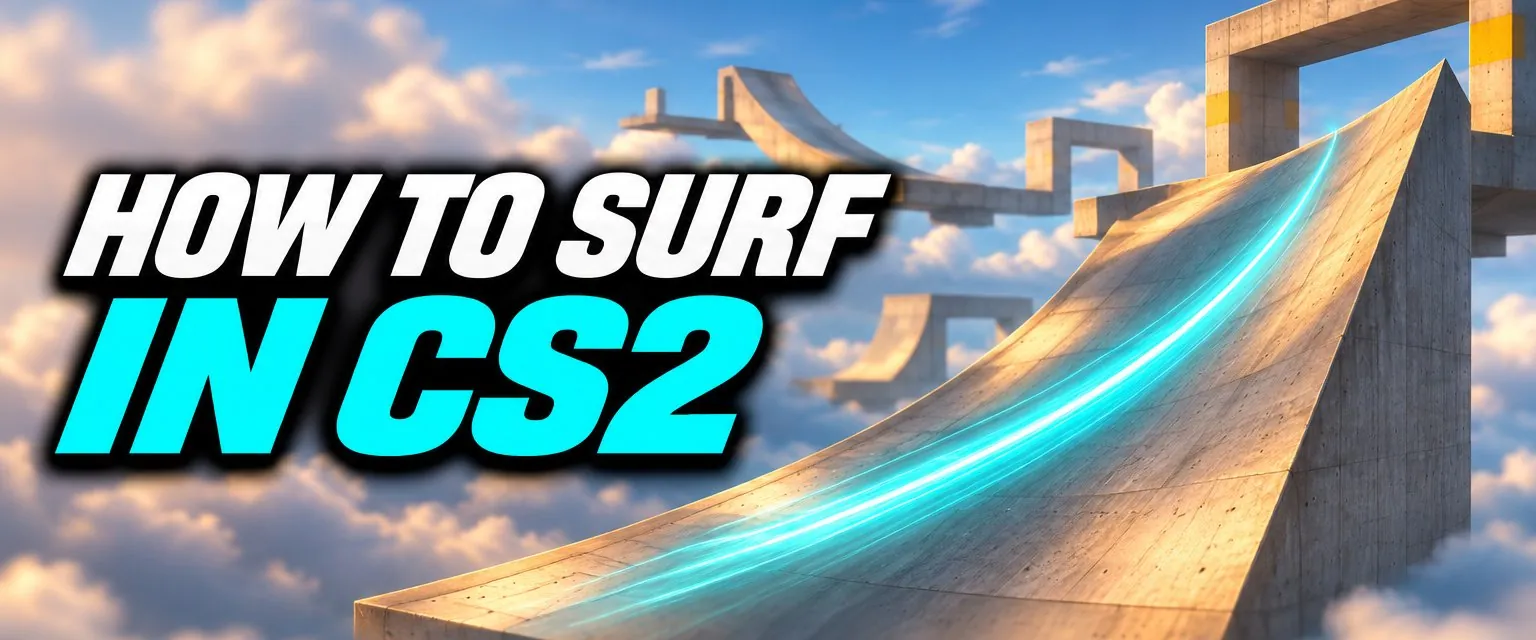
Surfing is a community game mode built on a quirk of the Source movement code: a player standing on a slope that is too steep to walk on slides instead, and air strafing lets you hold a line along it. Surf maps are long chains of these angled ramps, and the aim is to get from start to finish without falling. Valve now treats it as a mode worth supporting: CS2 has a dedicated convar to play surf sounds and several patch notes fixing surf-specific bugs.
How to Surf: the Controls
- Let go of W. Pressing forward on a ramp pushes you off it. Experienced surfers barely use W at all.
- Hold the strafe key that points into the ramp. Ramp on your left, hold
A. Ramp on your right, holdD. That keeps you pressed against the slope while gravity carries you along it. - Look along the ramp. Aim your view roughly in the direction the ramp runs, slightly up the slope rather than down it.
- Steer with small mouse movements. Moving the mouse the same way as your strafe key curves your path. Large, jerky movements bleed speed.
- Air strafe between ramps. In the air, hold
Awhile moving the mouse left, orDwhile moving it right. This is the same technique used for bunny hopping (see our CS2 bhop guide). - Land on the ramp, not on top of it. Hitting the flat top edge stops you dead. Aim to touch the slope a little below the edge.
Slow down to learn. On a staged map, falling only sends you back to the start of the stage, so you can repeat one ramp until it clicks.
Best CS2 Surf Maps
All of these are CS2 uploads on the Steam Workshop (tagged CS2 and created after the Maps Workshop opened in November 2023), listed by subscriptions in November 2026. Difficulty tiers are the ones the map pages give.
| Map | Tier (per map page) | Notes |
|---|---|---|
| surf_utopia_njv | Port of a classic; the most-subscribed map in this list | |
| surf_kitsune | Tier 1, staged | Good first staged map |
| surf_boreas | Tier 1, linear | Raises max velocity above the default |
| surf_nyx | Tier 1 | |
| surf_beginner | Tier 1, 7 stages | Built for learning |
| surf_rookie | Tier 2, 18 stages | The next step up |
| surf_aquaflow | Tier 2 |
The Movement Hub map bundles surf, bhop and KZ courses in one place if you want to try all three.
How to Play Surf Maps Offline
- Open the map's Steam Workshop page and click Subscribe. Steam downloads it in the background.
- In CS2, open Play and go to the Workshop Maps tab.
- Pick the map and start it. To bring friends, turn on Open Party first: Valve added party play for workshop maps in April 2024.
The map_workshop console command also launches a workshop map. New to the console? See how to open the console in CS2.
Surf Servers
Surf is mostly played on community servers, which run timers, ranks and saved runs that offline play does not have. Open the Community Server Browser from the Play menu and search for "surf". Community servers can host any Workshop map; Valve enabled this when the Maps Workshop opened.
Surf Settings and Commands
These are the server settings that shape surfing in CS2, with the defaults from the game files. None of them needs sv_cheats: they are server settings, so the host changes them.
| Setting | Default | What it does |
|---|---|---|
sv_airaccelerate | 12 | How quickly you gain speed while strafing in the air. Surf servers raise it a lot. |
sv_maxvelocity | 3500 | Speed cap in units per second, per axis. Some maps raise it. |
sv_gravity | 800 | World gravity. |
sv_accelerate | 5.5 | Ground acceleration. |
sv_friction | 5.2 | Ground friction. |
sv_surf_sounds | 0 | Speed-sensitive sounds while surfing (added July 2025). |
sv_jump_precision_enable | 1 | Servers running surf can turn off CS2's jump precision changes (added October 2024). |
Since January 2026 a Workshop map can only run commands from Valve's whitelist. sv_airaccelerate, sv_maxvelocity and sv_gravity are on it, which is why many surf maps set their own values when they load. sv_surf_sounds and sv_jump_precision_enable are not, so those need to be set by hand or by a server. For general console use, see our CS2 console commands guide.
Valve Fixes for Surf
| Date | Change |
|---|---|
| Nov 2023 | Added sv_walkable_normal and sv_standable_normal so community servers can tune movement on angled surfaces |
| Oct 2024 | Added sv_jump_precision_enable so surf servers can opt out of jump precision changes |
| Jul 2025 | Fixed several cases of getting stuck on geometry while surfing; added sv_surf_sounds |
| Nov 2025 | Fixed air acceleration being clamped incorrectly while surfing, and slow surfing up a ramp being treated as a jump. Raised the maximum effective sv_maxvelocity to 16,384 units per second |
| Jan 2026 | Fixed collisions with internal edges while sliding along a ramp in surf mode |
Surfing is also one of the best ways to practise air strafing, which carries straight over to movement in normal matches. Our shooting and movement guide covers the rest.
Frequently Asked Questions
How do you surf in CS2?
Jump onto the angled side of a ramp, let go of W, and hold the strafe key that points into the ramp: A when the ramp is on your left, D when it is on your right. Gravity pulls you along and down the slope; small mouse movements in the direction of the strafe key steer you.
Why do I keep falling off the ramp?
Usually because you are holding W or the wrong strafe key. On a ramp W pushes you off the slope. Hold only the strafe key that points into the ramp and keep your mouse movement smooth.
Can you surf in CS2 offline?
Yes. Subscribe to a surf map on the Steam Workshop, then open the Workshop Maps tab in the Play menu and launch it. Valve added offline workshop play when the CS2 Maps Workshop opened in November 2023.
What is the best surf map for beginners in CS2?
surf_beginner and surf_kitsune are both Tier 1 maps built for learning, and surf_utopia_njv is the most-subscribed of the surf maps we list. Start on a staged Tier 1 map so a fall only sends you back to the start of the stage.
What sv_airaccelerate do surf servers use?
There is no official surf value. CS2 defaults to 12, which is tuned for normal play. Surf servers set their own, much higher value, and many Workshop surf maps set it themselves, since sv_airaccelerate is on the list of commands Valve lets community maps change.
Do you need sv_cheats to surf?
No. sv_airaccelerate, sv_maxvelocity and the other movement settings are server settings, not cheat commands, so the host of a server or offline game can change them without sv_cheats.