
What Bhopping Is
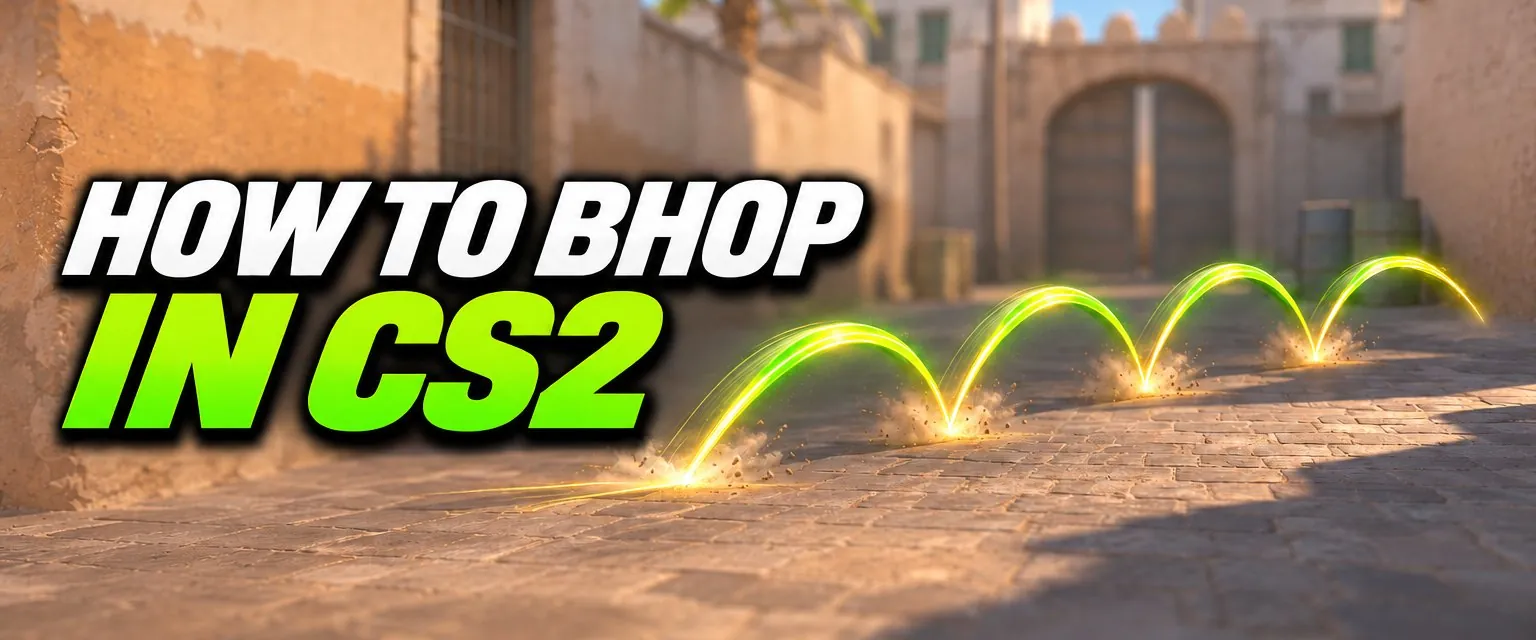
Bunny hopping, or bhopping, means jumping again the instant you land, while air strafing, so you never lose speed to ground friction. Done well it moves you faster than running. CS2 caps how much speed you can carry on official servers, but hopping still matters for getting across gaps and off ledges quickly, and it is a whole game mode on community servers.
How to Bhop
- Get some speed. Run with a knife out: at 250 units per second it is faster than any gun.
- Jump, then let go of W. Holding forward in the air stops you gaining speed.
- Air strafe. Hold
Awhile moving your mouse smoothly left, thenDwhile moving it right. Key and mouse direction must match. Turning without a strafe key, or pressing a key without turning, does nothing. - Jump again as you land. The press has to land inside a small time window around the moment your feet touch the ground. Too early and too often counts as spamming and is penalised.
- Keep the rhythm. Each jump is a fresh left or right strafe. Smooth, wide mouse movements keep more speed than fast, short ones.
The same air strafe is what keeps you on a ramp in surf, so the two skills feed each other. See how to surf in CS2.
The 2026 Jump Update
Valve's update of 21 January 2026 replaced the jump code. The changes that matter for bhop:
- Landing time is now calculated with subtick precision.
- Jumping and landing no longer affect stamina. In older builds every jump and landing added a stamina penalty that cut your next jump.
- The landing speed penalty is now a simple function of landing time. A day later Valve added that landing vertical velocity also affects the penalty.
- Any jump press within
sv_bhop_time_window, centred on the landing time, counts as a successful bunny hop, provided it was not already penalised bysv_jump_spam_penalty_time. - The old behaviour can be restored on private servers with
sv_legacy_jump 1.
Earlier, in August 2025, Valve also changed the jump spam clock to start the instant your input is registered rather than at the end of the subtick that processed it.
Bhop on Official Servers
Bunny hopping has a speed limit on official servers: Valve put it back in June 2023 during the CS2 Limited Test. With sv_enablebunnyhopping at its default of 0, jump speed cannot go above 1.1 times your maximum running speed. Your maximum speed depends on the weapon in hand:
| Held weapon | Max running speed | 1.1x cap (our calculation) |
|---|---|---|
| Knife | 250 | 275 |
| USP-S | 240 | 264 |
| AK-47 | 215 | 236.5 |
| AWP (unscoped) | 200 | 220 |
Speeds are in units per second, from the weapon data in the game files. So on official servers a good hop chain keeps your speed and gets you over gaps, but it will not make you dramatically faster than running.
Auto Bhop Offline: Commands
To practise, start an offline game or a Workshop bhop map, open the console (see how to open the console) and enter:
sv_enablebunnyhopping 1
sv_autobunnyhopping 1| Command | Default | What it does |
|---|---|---|
sv_enablebunnyhopping | 0 | 1 lets jump speed exceed 1.1x max speed |
sv_autobunnyhopping | 0 | 1 re-jumps automatically while you hold jump |
sv_airaccelerate | 12 | Air strafe acceleration. Bhop servers raise it |
sv_jump_spam_penalty_time | 0.015625 | Lowering it makes bunnyhopping easier |
sv_legacy_jump | 0 | 1 restores the pre-2026 jump code |
sv_maxvelocity | 3500 | Overall speed cap per axis |
These are server settings, not cheat commands, so they work without sv_cheats 1 on a game you host. Bhop guides often add sv_staminamax 0 and the other stamina commands. After the 2026 update, jumping and landing no longer cost stamina, so in our reading those lines only matter with sv_legacy_jump 1.
Auto bhop is a practice aid. With it off, you are training the real timing.
Bhop Maps
All of these are CS2 uploads on the Steam Workshop:
- Movement Hub: KZ, surf, bhop and hide-and-seek courses in one map.
- Bhop_Dunedash
- bhop_arcane: a port of a classic bhop map.
- bhop_emevaelx3
- Refrag.gg training map: has KZ and bhop sections beside aim drills.
Subscribe, then launch from the Workshop Maps tab in the Play menu. Bhop maps can only change commands on Valve's Workshop whitelist, and both bhop settings are on it, so many bhop maps turn bhop on themselves when they load.
Jump Binds
Many players put jump on the mouse wheel, because one scroll sends several jump presses and makes the landing window easier to hit:
bind mwheeldown +jumpValve made commands bound to the mouse wheel execute reliably in June 2023. Keep binds to one action. Since August 2024, binds that combine more than one movement or attack action (null binds, jump-throw binds) no longer work, and jump-throws are reliable without a script. More in our CS2 binds guide.
Frequently Asked Questions
Can you bhop in CS2?
Yes. On official servers bunny hopping has a speed limit, so you can chain jumps but you cannot keep accelerating. On community servers and offline you can lift the limit with sv_enablebunnyhopping 1 and turn on automatic re-jumping with sv_autobunnyhopping 1.
What changed for bhop in 2026?
On 21 January 2026 Valve rewrote jumping: landing time is calculated with subtick precision, jumping and landing no longer cost stamina, and any jump press within a small window around the moment you land counts as a successful bunny hop. The old behaviour can be restored on private servers with sv_legacy_jump 1.
What is the CS2 bhop speed limit?
With sv_enablebunnyhopping at its default of 0, jump speed cannot exceed 1.1 times your maximum running speed. With a knife (250 units per second) that works out to about 275.
What are the commands for auto bhop in CS2?
sv_autobunnyhopping 1 makes you re-jump automatically while you hold jump, and sv_enablebunnyhopping 1 removes the speed cap. Neither is a cheat command, so the host of an offline game or server can set them without sv_cheats.
Do I need to bind jump to the mouse wheel to bhop?
No, but many players do, because one scroll sends several jump presses and makes hitting the landing window easier. A single-action bind such as bind mwheeldown +jump is allowed; binds that combine several movement or attack actions have not worked since August 2024.